Collecting · 6 November 2026 · 5 min read
How to photograph cards for eBay
Photograph football cards for eBay with a phone: reduce foil glare, show fronts, backs and defects, and create clear pictures without hiding condition.
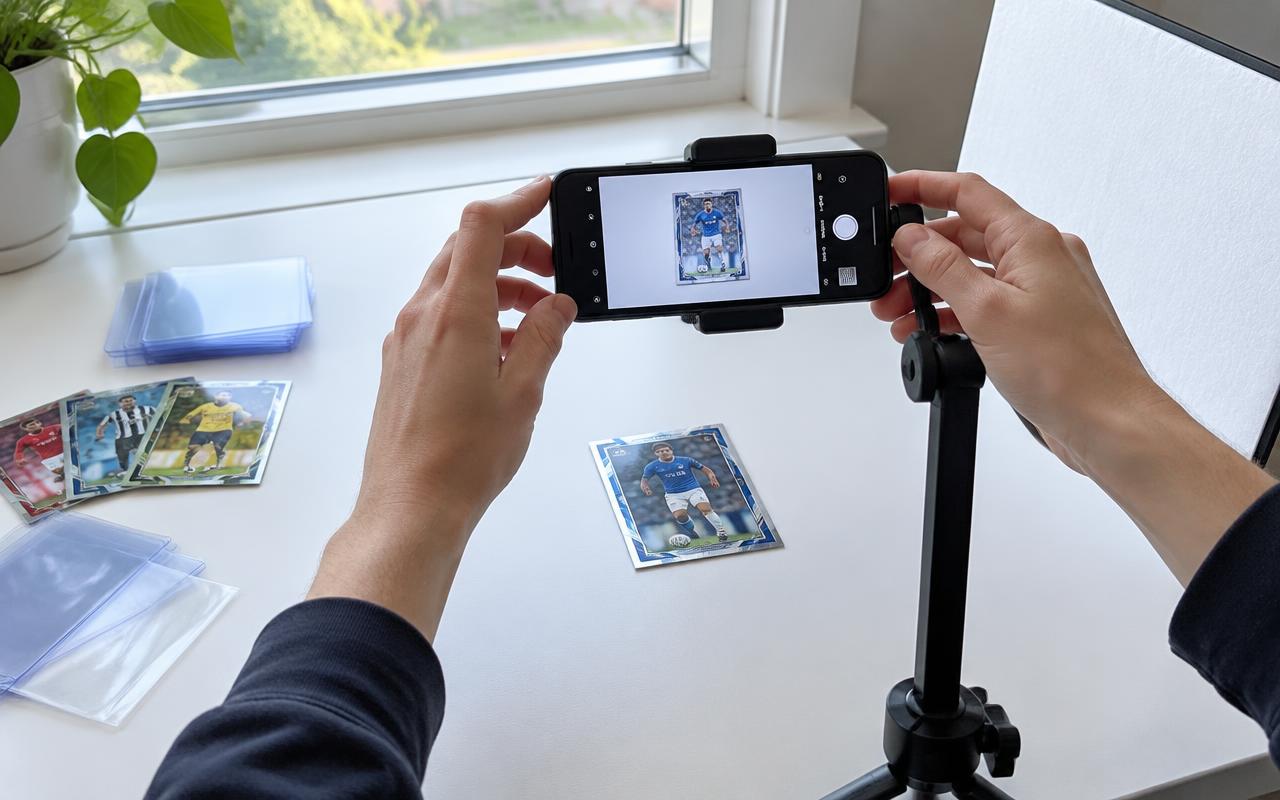
You do not need a professional camera to photograph football cards for eBay. You need sharp pictures of the card you are actually selling, light that makes condition visible and enough angles to explain what a buyer is getting. A phone is a perfectly reasonable place to start. The aim is not to make a card look flawless: it is to remove uncertainty. A readable front and back, followed by useful detail shots, does more for a listing than an elaborate background that hides the edges.
Set up a simple, safe workspace
Choose a clean, dry table with room to put the card down without knocking it into other items. Use a plain matte background rather than a patterned cloth or glossy surface. Soft daylight from a nearby window is a useful starting point; avoid direct sun that creates hard shadows. Keep food, drinks and sticky materials away. A stand or tripod can help you hold the phone steady, but you can also brace your hands without leaning on the card. Arrange the light and camera before handling a valuable single so you are not repeatedly picking it up to fix the setup.
Take a clear front and back first
Keep the phone approximately parallel to the card for your main front and back photographs. A steep angle makes the shape look distorted and can make centring harder to judge. Leave a small border around the whole card: buyers should be able to see every edge and corner, not just the player's face. Tap to focus and check the result rather than assuming the camera got it right. On the back, make the identifying details readable, including the card number and any relevant numbering or memorabilia wording. Those details help buyers distinguish similar-looking products.
How to reduce glare on foil and chrome cards
Move the light or camera slightly when a bright reflection washes out the surface. Diffused light and a pale reflector can help soften shadows without putting a harsh flash directly onto the card. Chrome, foil and glossy slabs will not all behave the same way, so take a few test shots and inspect them. Do not remove every reflection by making the photograph so dark that the surface disappears. Use the straight-on picture to identify the card, then an additional angled picture to show the finish. If a scratch is visible at one angle, include that angle rather than choosing only the one that hides it.
Show defects instead of leaving buyers to guess
Photograph visible corner wear, whitening, creases, surface marks or damage to a holder. Keep the wider front and back views as well: a close-up of a defect needs context. Describe the issue in the listing even when a photograph shows it, because buyers may view pictures on a small screen. Avoid promising a future grading result. A clear image can help someone inspect condition, but it cannot prove a card would receive a ten. If you are uncertain whether a mark is on the sleeve or the card, establish that safely before writing the description, or explain the uncertainty honestly.
Raw cards, sleeves and graded slabs
Photograph a graded card in its slab and show the label clearly, along with scratches or cracks in the holder. Do not open a slab for a listing photograph. For raw cards, a clean sleeve can protect the surface while you organise shots, but it can also introduce reflections. If you safely photograph the card without its sleeve, hold it gently by the edges and return it to suitable protection promptly. Do not risk damaging a card simply to achieve a cleaner picture. Our football card storage guide covers safe handling and fitted holders. Thick patch cards need extra care and suitable support.
Keep editing honest and check eBay's rules
Crop unnecessary background, straighten a tilted picture and make modest adjustments so the image resembles the item in normal light. Do not paint out defects, alter colours to suggest a different parallel, add a false grade or substitute someone else's pristine example. eBay's picture policy requires pictures to represent the item accurately and disallows added text and watermarks. Its published minimum is 500 pixels on the longest side; use a clear, higher-resolution original when practical, and check the current policy before listing. Treat that minimum as an upload requirement, not a target for capturing small condition details.
Choose an order that answers buyer questions
Start with the complete front, then the complete back. Follow with relevant finish, numbering, autograph or memorabilia detail, then the condition close-ups. For a graded card, make sure the label is legible and the whole slab is represented. For a lot, show everything included and explain which cards have additional detail images; do not let a photograph of a star player imply the other cards are identical. eBay's listing guidance currently allows up to 24 pictures, but you do not need to fill every slot. A smaller set of distinct, useful views is better than many near-identical blurry ones.
Check the listing on a small screen
Before publishing, zoom into the original images and then preview the listing as a buyer would. Can you read the player, product details and serial stamp? Are all corners visible? Does glare conceal an autograph or scratch? Have you included the back? Retake the image if the answer is unclear. Match the title and description to the pictured card, using our sold-price guide for research rather than borrowing an optimistic asking price. Keep the original photographs with your selling records. They are useful documentation, not a guarantee that a platform will settle a dispute in your favour.
A repeatable photo checklist
Prepare the workspace, test the light, take front and back pictures, check sharpness, add finish and condition details, verify that editing is accurate, and preview the uploaded result. Once you have a setup that works, keep it consistent across listings rather than buying equipment for every new card. Good pictures cannot turn an ordinary single into a rare parallel, but they can make an honest listing easier to understand. For pricing, platform choice and the rest of the sale, continue to our guide to selling football cards in the UK. Cover image: an illustrative photography setup.
Sources and further reading
References checked on 6 November 2026. This guide is published by a football-card repack seller; it is not a manufacturer checklist or investment advice.
More collecting guides
Collecting · 4 November 2026
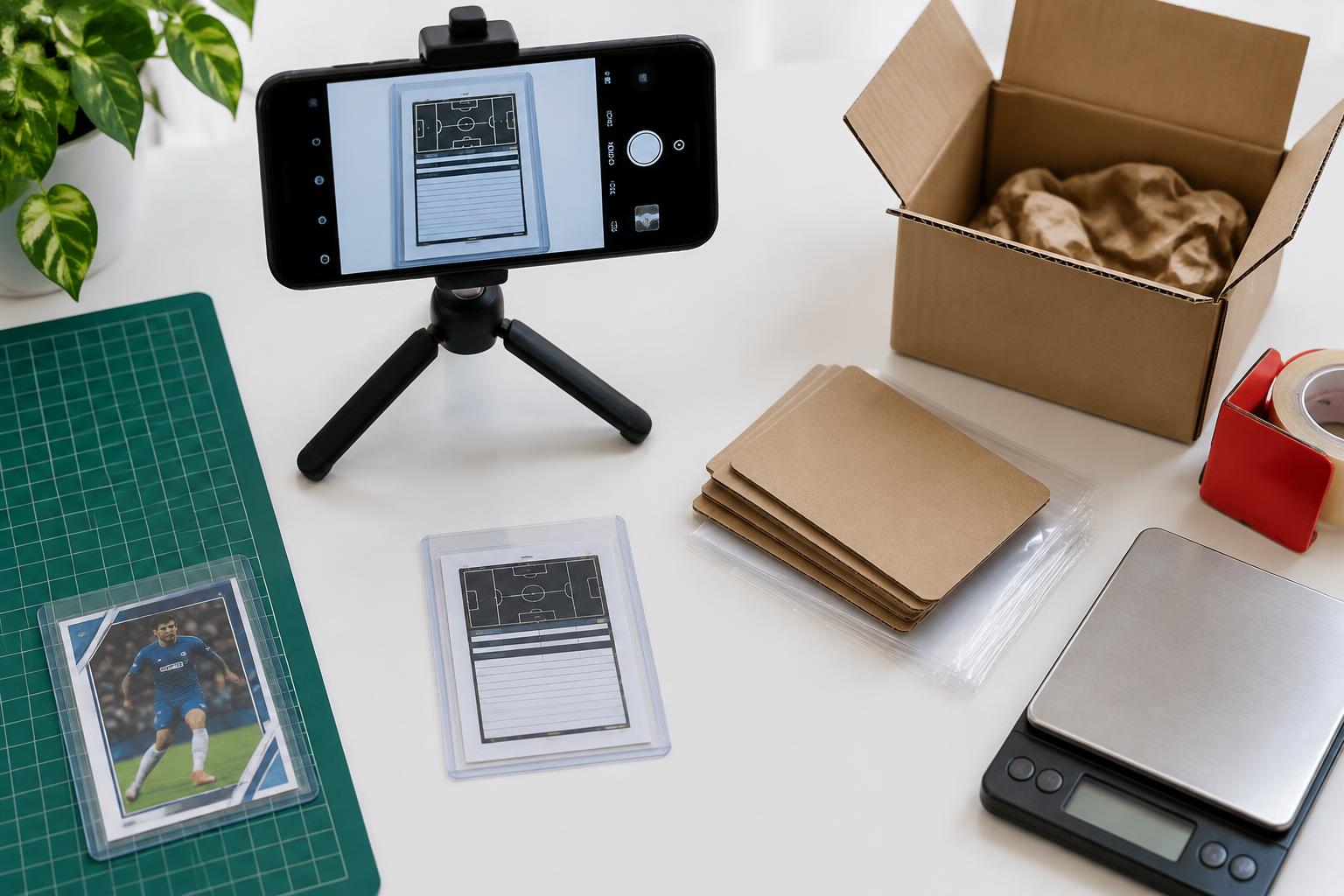
How to sell football cards in the UK
Sell football cards with clear photos, accurate descriptions and realistic prices. Compare eBay and live selling, plan postage and check current UK terms.

Collecting · 3 November 2026
How to check football cards value
Find football card values using comparable sold listings, not hopeful asking prices. Check the exact set, parallel, grade, date and delivery cost.
Collecting · 6 October 2026
How to store football cards safely
Store football cards with sleeves, fitted holders and safe binder habits. Protect corners and surfaces, avoid damp and prepare separately for grading.
New to Whatnot?
Claim your free credit.
Sign up through the link and Whatnot drops credit on your account for your first show.